

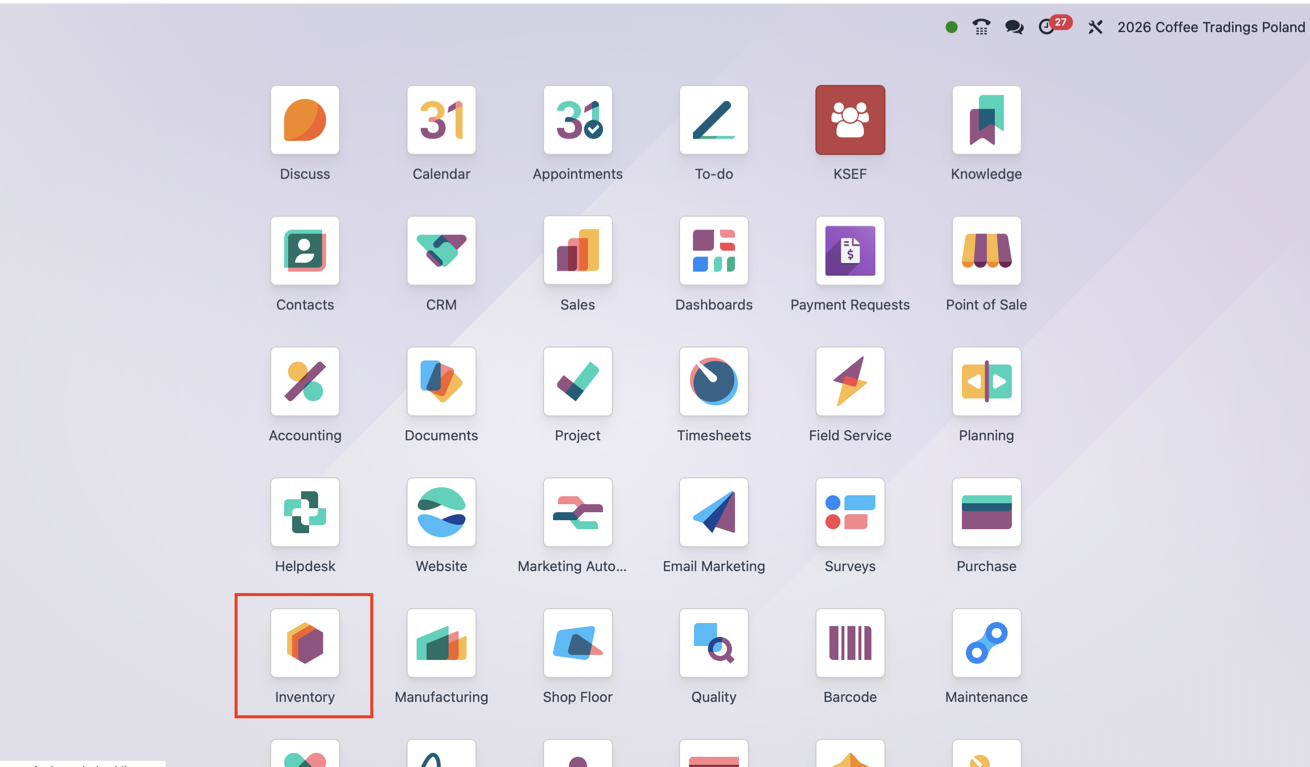
Odoo App implementation

Odoo Inventory

Know what stock you have, where it is and what you can promise to a customer. Connect receiving, storage, picking and delivery with purchasing, sales and production.

Odoo Ready Partner

Official Odoo Partner

ERPixel — Official Odoo Ready Partner

Odoo implementation, development, integration and ongoing support.

Business purpose

How businesses use Odoo Inventory

Odoo Inventory is the application that records products and their movements. It helps answer four everyday questions: what do we have, where is it, what is it worth and why is the quantity what it is? A warehouse represents a physical site; locations describe its receiving area, shelves, bins and packing zones. Each movement has a source and a destination, so the history explains how the balance formed. Reliable reports depend on employees recording and validating what actually happened.

Key capabilities

Odoo Inventory in the operating model

Selected capabilities that matter when the app is implemented as part of a real business system.

Receipts and partial deliveries

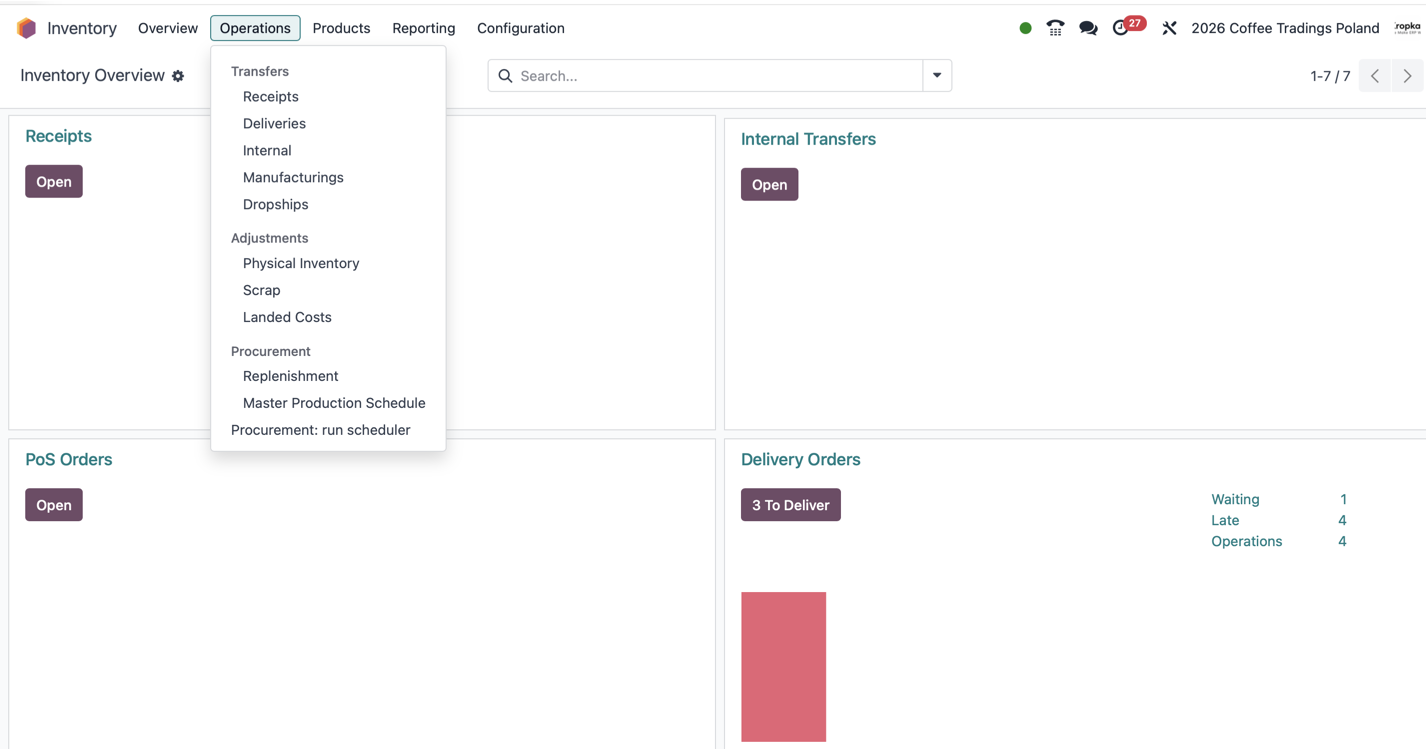
Record what the supplier actually delivered, including quantity, lot or serial number where needed. If 18 of 20 units arrive, validate 18 and keep the remaining two on a backorder or cancel them if they are no longer expected.

Picking, packing and dispatch

Turn a customer order into warehouse work: collect the right products, check quantities, pack and dispatch. These can be one operation or separate steps. Preparing a parcel and handing it to a carrier are different events.

Routes and replenishment

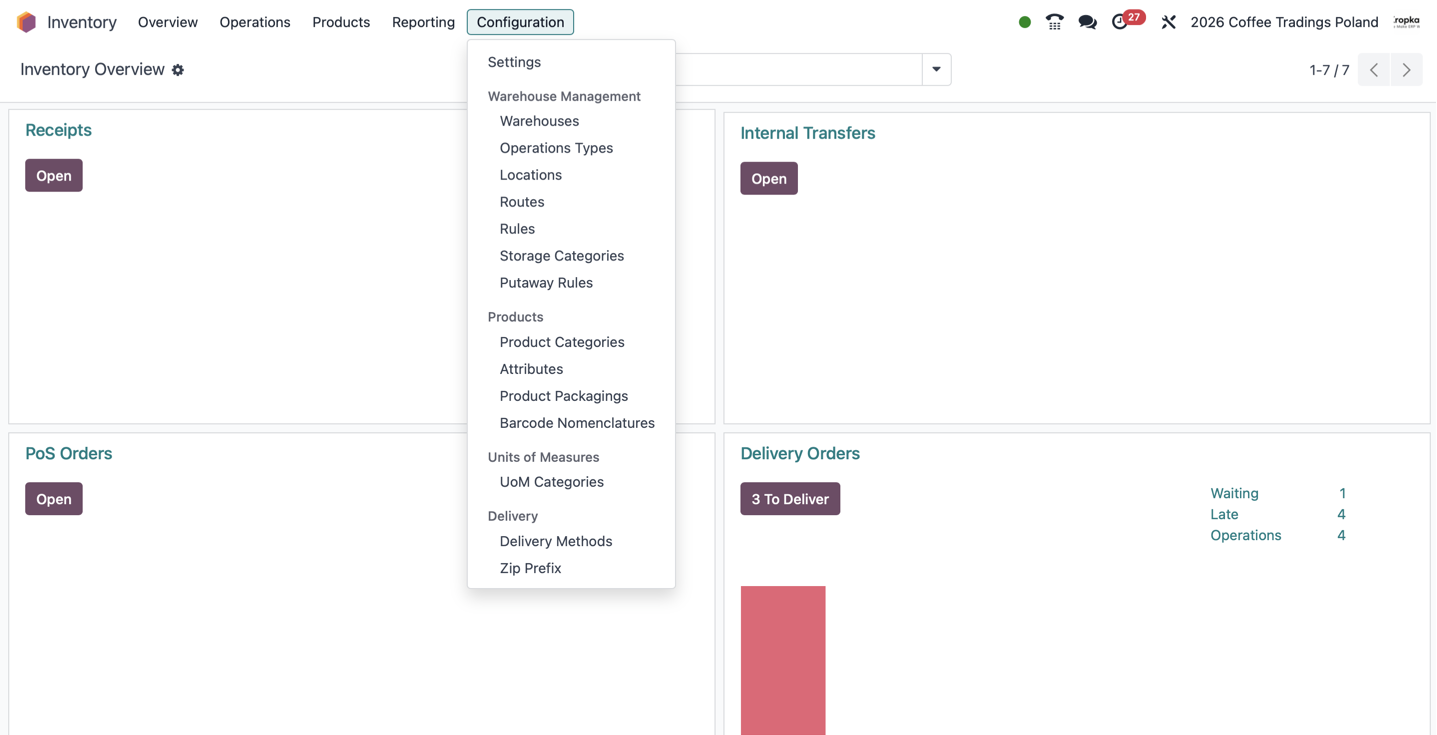
A route connects rules that tell Odoo how to supply a need: buy a product, manufacture it, move it from another warehouse or pass it through picking and packing. Reordering rules can trigger replenishment for configured tracked products.

Routes and replenishment

Lots, serial numbers and packages

A lot identifies a batch; a serial number identifies one unit. Trace where it came from and which customer received it. Packages identify groups of goods, such as a pallet. Expiry controls depend on the chosen tracking configuration.

Barcode execution

Inventory holds the stock records; the separate Barcode app lets employees execute the same operations with a scanner. Scan products and locations instead of searching manually. Pack quantities and units of measure still need correct configuration.

Barcode execution

Counts, scrap and stock value

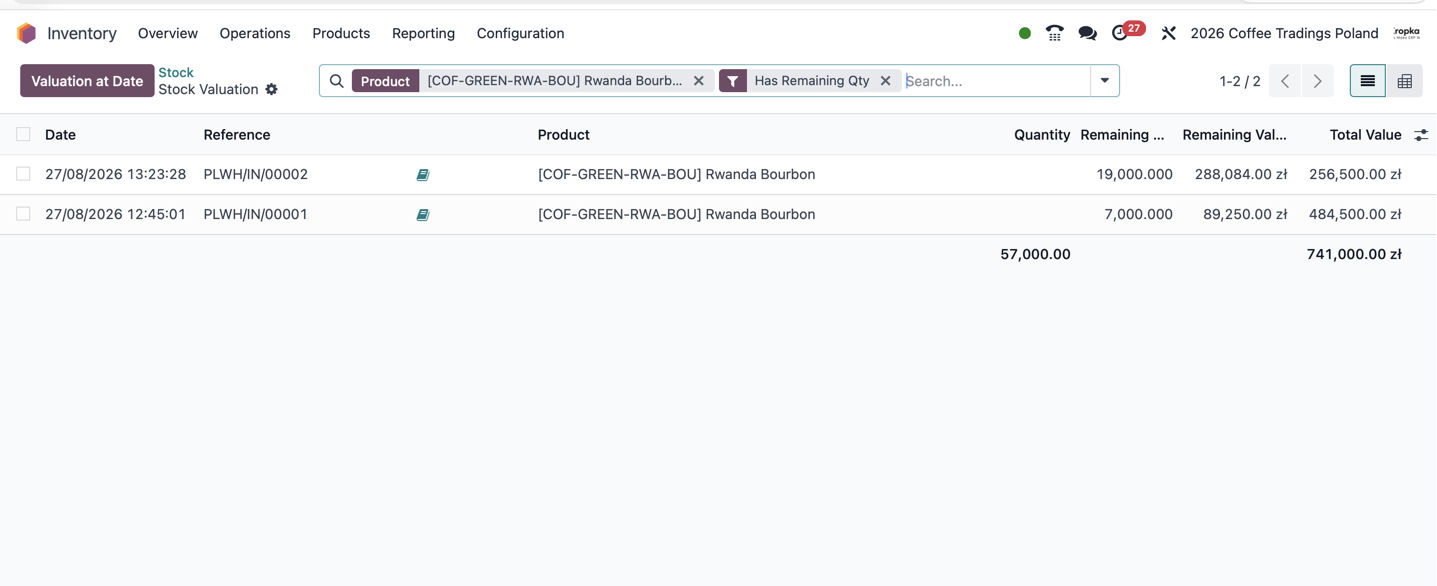
Compare counted quantities with the records and apply explained adjustments. Scrap removes unusable goods from ordinary available stock. Valuation follows the costing and accounting setup; every scan does not automatically mean a new accounting entry.

Our experience

ERPixel experience relevant to Odoo Inventory

Confirmed delivery experience and supported inferences from ERPixel projects—not generic product claims.

More than ten years of warehouse work

ERPixel has implemented warehouse management in Odoo for more than ten years. We map actual goods movements, configure warehouses, locations and operation types, connect scanners and train employees on their daily tasks.

Complex flows and controlled corrections

Our work includes multiple warehouses, lots, serial numbers, packages and complex routes. We investigate wrong product records and movements, including earlier periods, with attention to stock valuation and accounting consequences.

Costing and inventory analytics

We configure product costing and develop reports on inventory turnover and ABC analysis. Landed costs allocate relevant acquisition expenses to stock; their treatment must agree with purchasing and finance.

Typical workflow

A practical Odoo Inventory flow

The exact stages are adapted to the company, but ownership and handovers must remain explicit.

  1. 01

    Receive actual goods

    Open the expected receipt, identify products and record the quantity that arrived. Capture tracking details and handle any outstanding quantity.

  2. 02

    Store and reserve

    Place goods in the correct location, apply agreed putaway rules and reserve stock against demand. Validate movements when they actually happen.

  3. 03

    Pick and pack

    Follow the delivery task, collect the right quantity and tracking identifiers, then prepare the parcel according to the warehouse process.

  4. 04

    Dispatch and reconcile

    Confirm the completed warehouse operation and exchange shipment details with the carrier or 3PL. Investigate discrepancies instead of hiding them with unexplained adjustments.

Implementation considerations

Decisions to make before configuration

These decisions vary by app and determine whether users receive a controlled workflow or another disconnected tool.

Map the physical process first

Separate warehouses from locations. Goods in transit, damaged stock and count differences usually need appropriate locations and flows rather than another physical warehouse.

Prepare products and opening stock

Check unique product and variant identifiers, barcodes, units, lots and initial counts. Give product creation a clear owner to reduce duplicate records.

Define exceptions and responsibilities

Agree how employees handle partial receipts, wrong products, scrap and returns. We often separate scrap identification from final approval; this is a configured process, not a universal Odoo requirement.

Choose the appropriate level of tracking

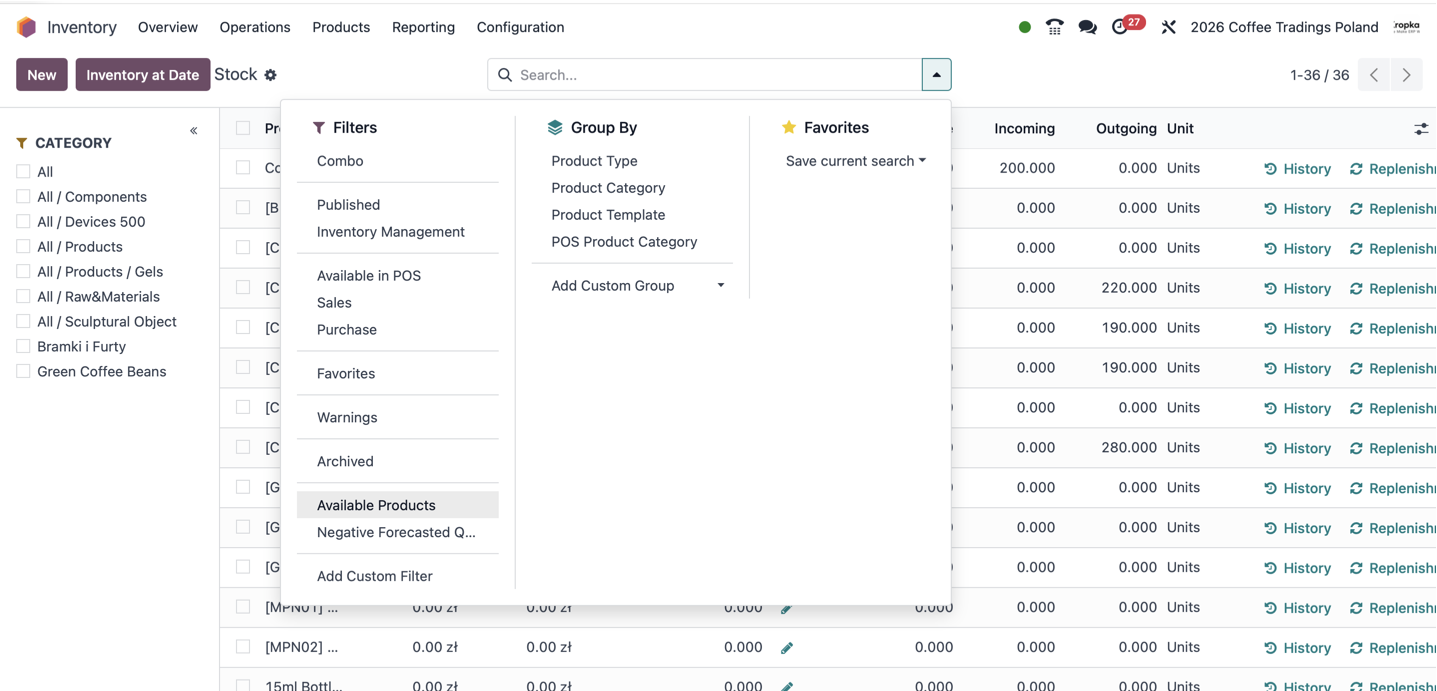
Low-value consumables may not justify exact counts. In Odoo 19, goods without Track Inventory enabled do not provide the same on-hand and forecast control. If a shortage stops work, consider tracking and replenishment.

What ERPixel can do

Services around Odoo Inventory

ERPixel starts with the business process, uses standard Odoo where it fits and adds engineering only where the approved scope needs it.

Connected Odoo Apps

Odoo Inventory does not work in isolation

These links explain the operational handovers between apps, not just technical dependencies.

Integrations

External systems and automation

Integration is included only where it serves the app’s real business process.

Carriers and shipping services

Shipment requests can return labels and tracking numbers where the connector and carrier support them. We work with processes involving InPost and DHL; carrier collection and warehouse validation remain distinct events.

Monitoring and reconciliation

Define which system owns each quantity and status, when updates happen and how failures are retried. Logs, duplicate controls and comparisons help uncover differences between Odoo and external stock.

Reporting across systems

Combine warehouse data with sales and finance for stock turnover, ABC analysis and management reporting. Reliable analysis starts with consistent movements, dates and identifiers.

Industry use cases

Where Odoo Inventory becomes operationally important

Selected industries are based on confirmed ERPixel experience and the app’s role in their processes.

Warehousing and logistics

Receiving, storage and shipping across internal sites and external fulfillment providers.

Wholesale and multichannel commerce

Availability shared across sales teams, online stores and marketplaces, with a clear distinction between physical and reserved stock.

Manufacturing

Trace raw materials and finished goods while connecting warehouse movements with production demand.

ERPixel expertise

Business analysis, Odoo configuration and engineering in one delivery model

ERPixel is an Official Odoo Ready Partner with experience in implementation, development, integrations, migration, training and support. Our work spans standard app setup and complex environments where Odoo connects sales, operations, finance, ecommerce, warehouses and external APIs.

Odoo Inventory reading

Learn the concepts behind the workflow

Explore our author guide and clear glossary definitions before configuring your process.

Route

The rules that connect demand with supply and movements.

Route

Odoo Inventory decisions

Questions before implementing Odoo Inventory

The useful answer depends on your process, data, Odoo edition and connected systems.

Can I try Odoo Inventory before planning an implementation?

Open the ERPixel demo and select Inventory. Login: demo@erpixel.com. Password: demo@erpixel.com. The demo illustrates navigation and sample operations; your company’s routes, permissions and integrations require their own setup. Open the ERPixel demo

Can we use Inventory without Barcode?

Yes. Users can open operations in the standard interface and enter quantities manually. Barcode provides a separate scanning interface. Availability depends on the Odoo edition and configuration.

Does on-hand quantity mean we can sell everything shown?

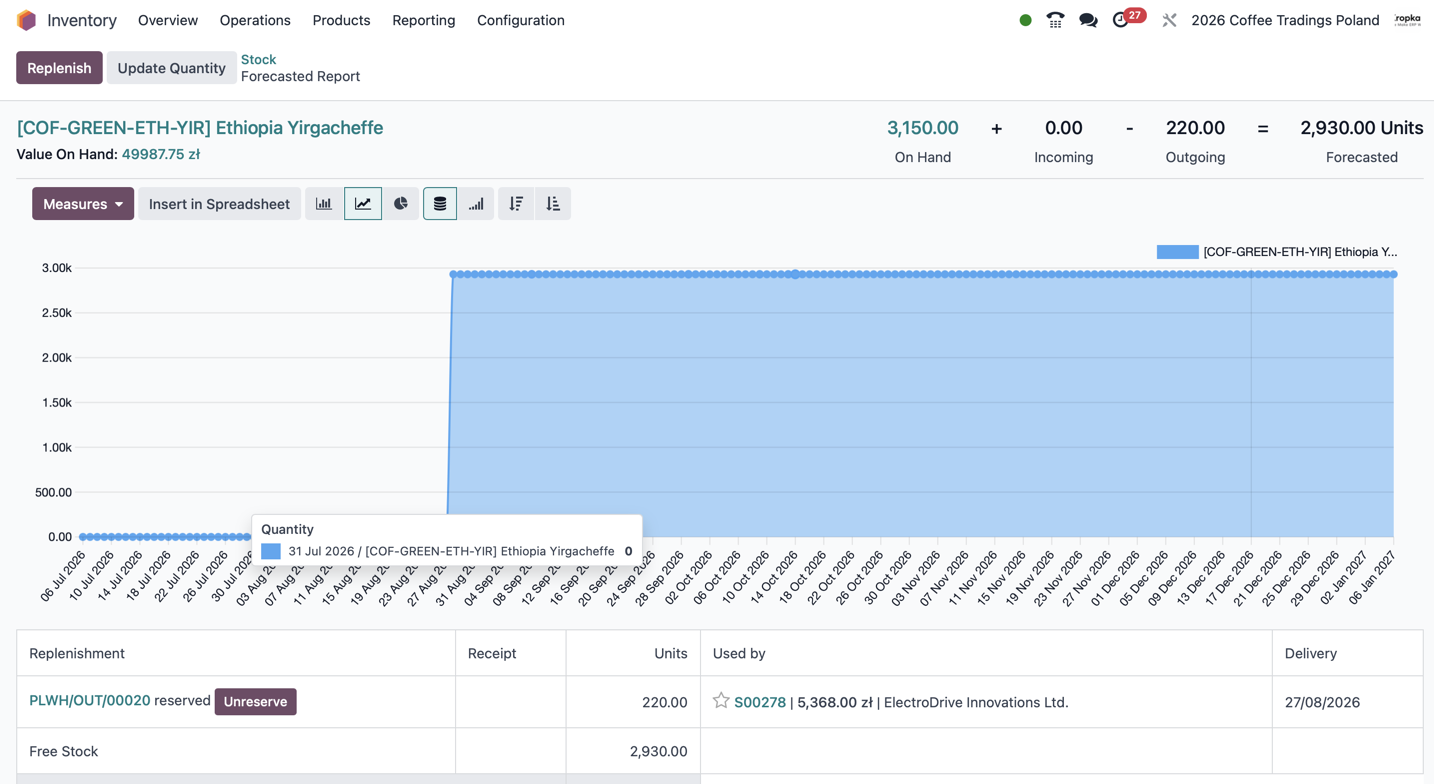
No. Some stock may already be reserved. Check free-to-use quantities and the report’s scope before promising delivery. Forecasted receipts are still expected goods.

How do we correct a wrong receipt or product?

Review what physically happened, linked documents and valuation effects. A return, reverse movement or justified inventory adjustment may be needed. Preserve an explainable history rather than treating the stock balance as an arbitrary editable number.

Can ERPixel connect our external warehouse or online store?

Yes, subject to suitable interfaces and an agreed scope. We define identifiers, warehouse mappings, data ownership, update events and error handling before configuring or developing the connection.

Can you train our warehouse team?

Yes. Training covers the team’s real receipts, transfers, counts and dispatch tasks, including discrepancies and tracking requirements. Explore Odoo Inventory training

Odoo Inventory project

Make Odoo Inventory fit the way your business operates

Discuss a new implementation, an integration, a focused customization or an existing Odoo workflow that needs improvement.